Claude Code Metrics

Claude Companion
A pixel familiar that watches your Claude Code and reacts in real time: a macOS menu-bar app, a Stream Deck plugin, Windows soon. Live sessions, /loop, tokens, cost and burn rate, all read 100% locally.
0
API calls · 100% local
macOS app
A menu-bar app
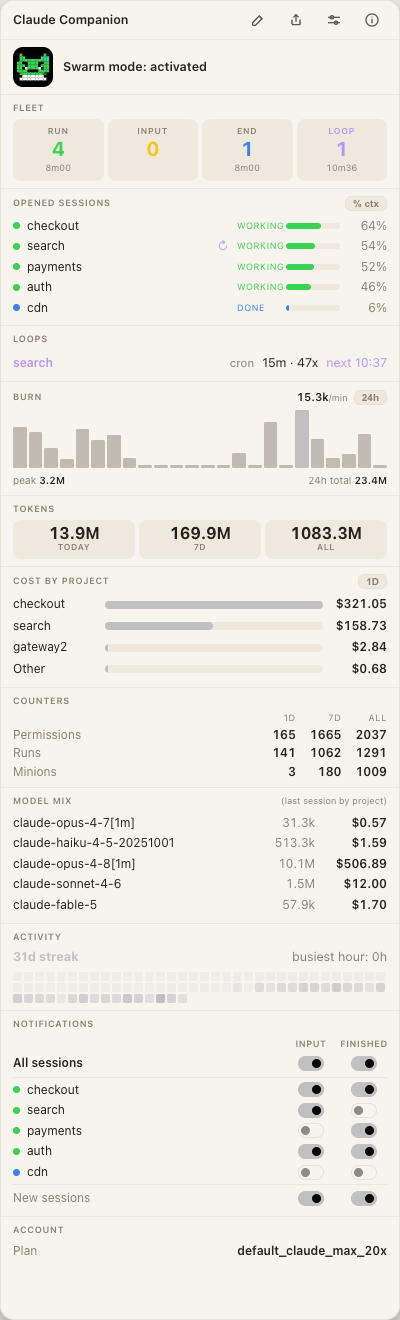
The standalone macOS version: a companion in your menu bar that shows your Claude Code stats without a Stream Deck. Same engine as the plugin, so the numbers always match.
What it does
Live sessions, fleet, loops, tokens, cost per project, burn rate, model mix, counters, activity, account. Show, hide, reorder.
The companion lives at the top of your screen, next to the clock. Its mood follows your fleet (working, waiting, done), with an optional blink when a session needs you.

See which sessions are looping: a ↻ marker, a LOOP square in the fleet, a dedicated Loops card with cadence and a countdown. Read straight from the transcript.
Get told when a session needs you, work ships, or a /loop ends, even with the app closed. Master, per-session and new-session controls, with tunable wording.

Click a session to jump straight to its window or tab, even a background tab. Ghostty, Terminal.app, iTerm2 and more.
It reacts, right in your menu bar
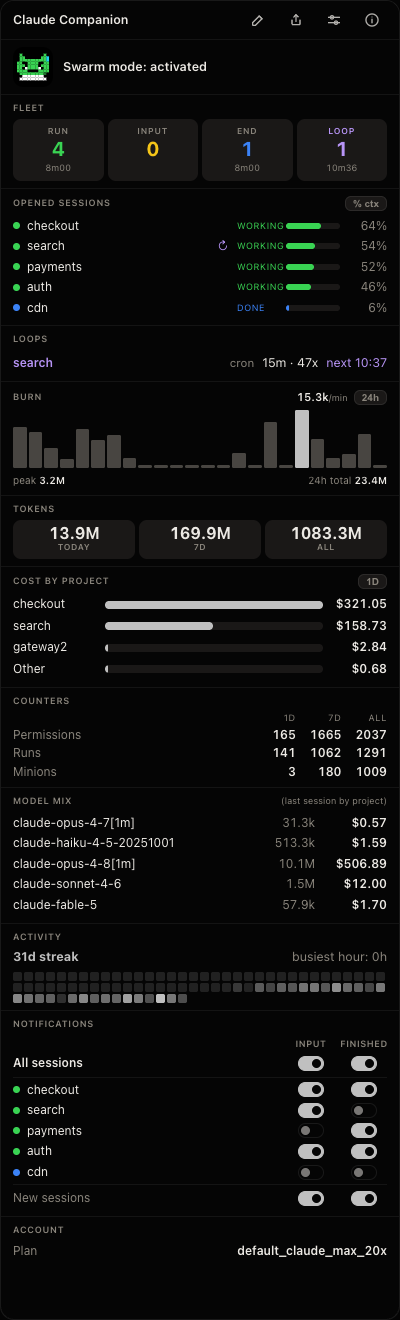
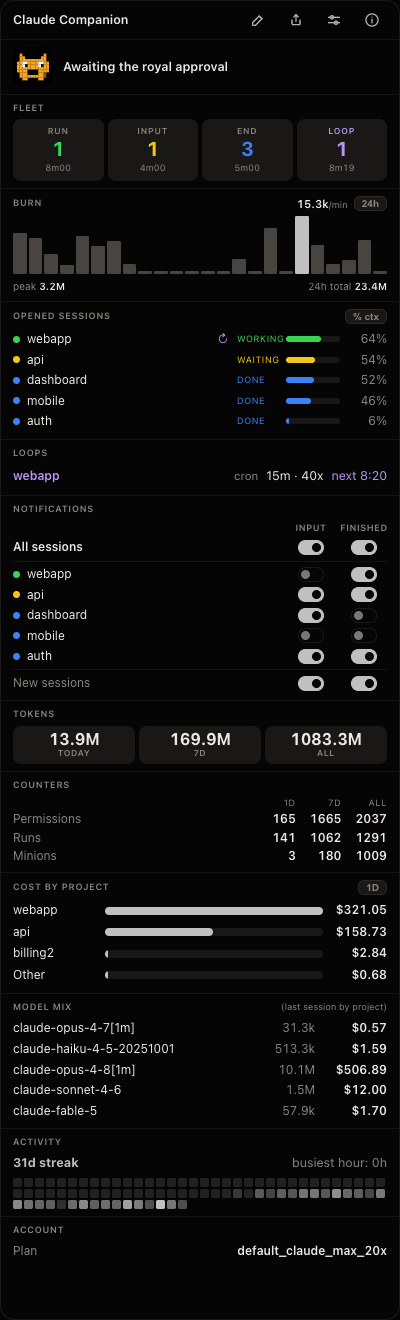
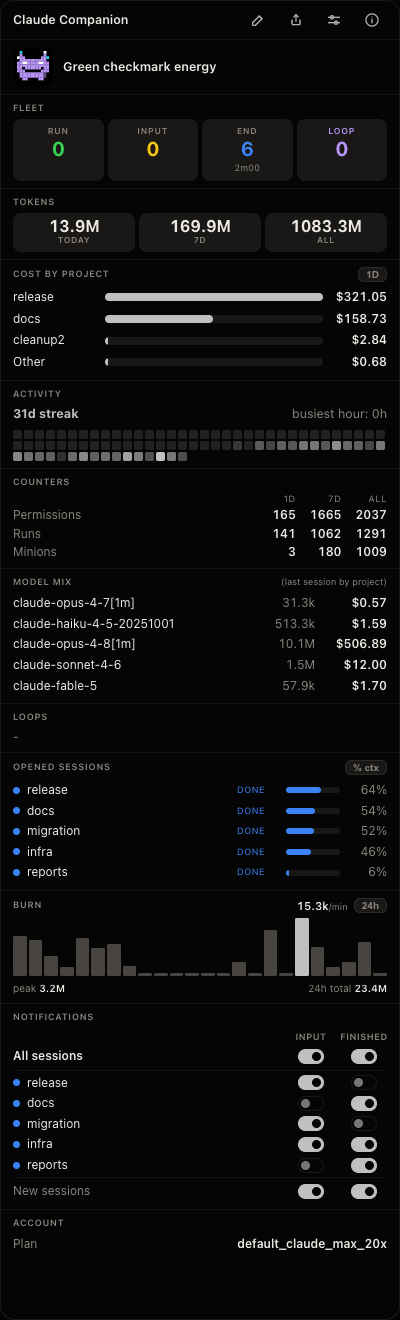
RUN The fleet is running, all green.
Three themes, automatic light/dark
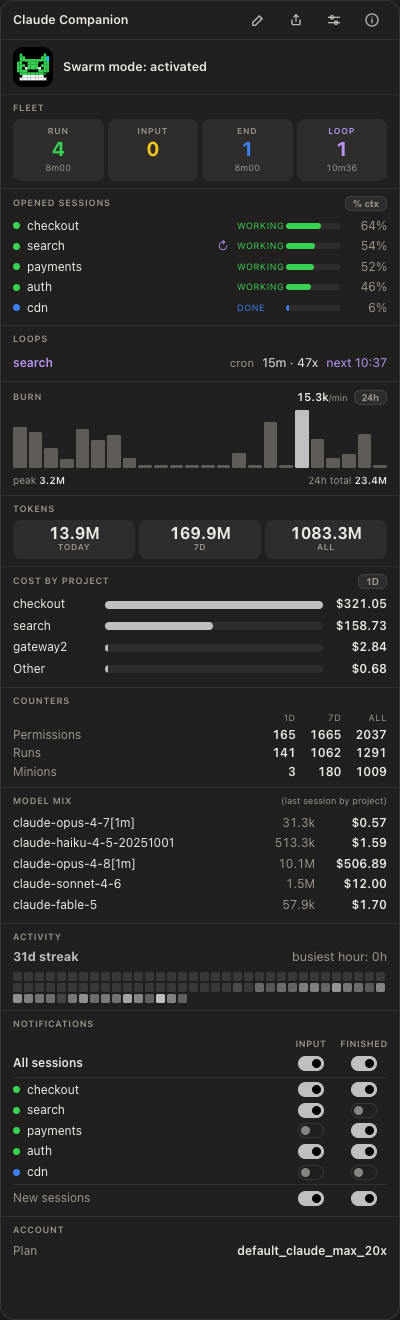
Also on your Stream Deck
The same thing on hardware: a little pixel creature lives on a key and reacts to your fleet in real time, surrounded by live tiles.
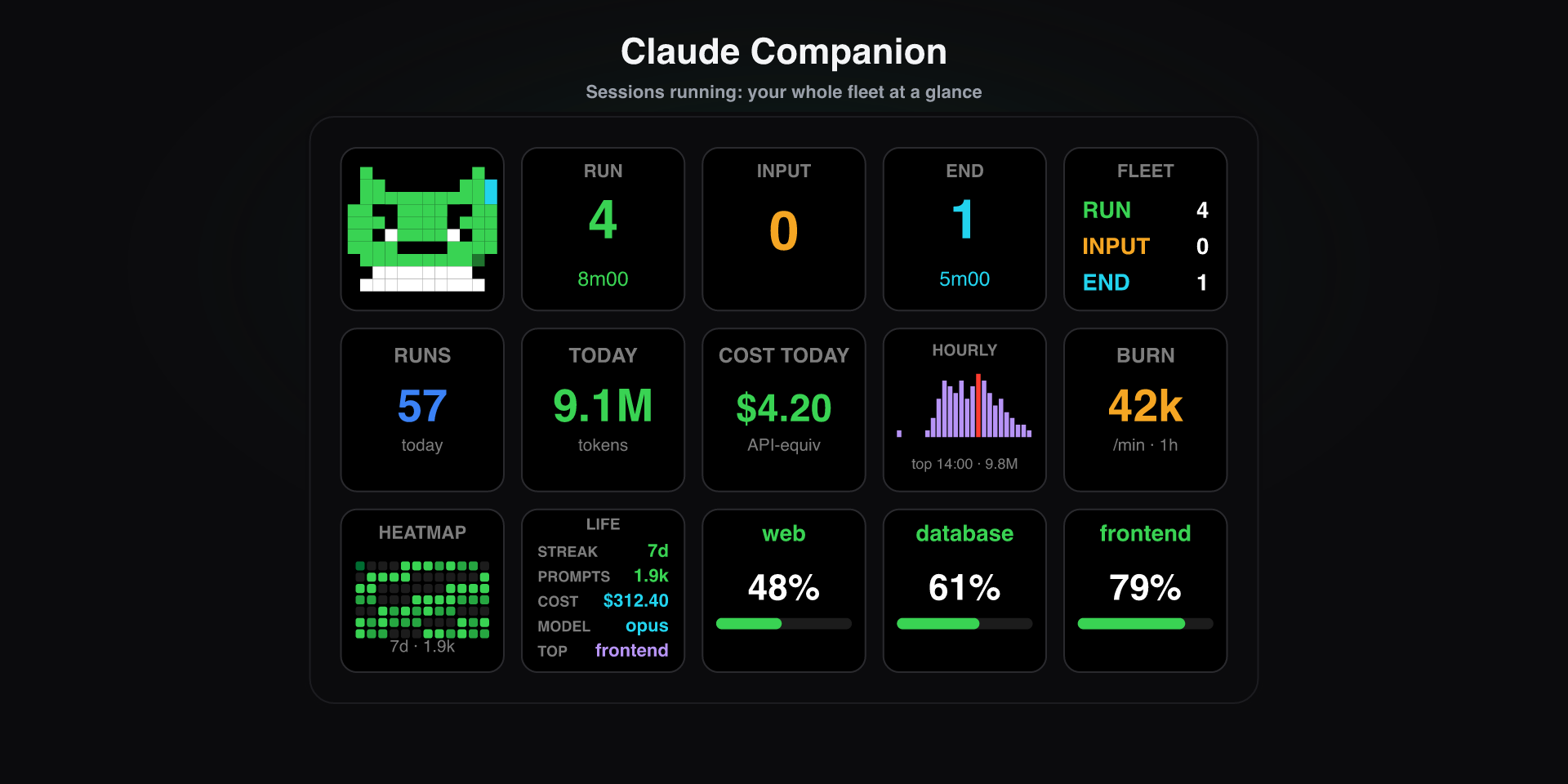
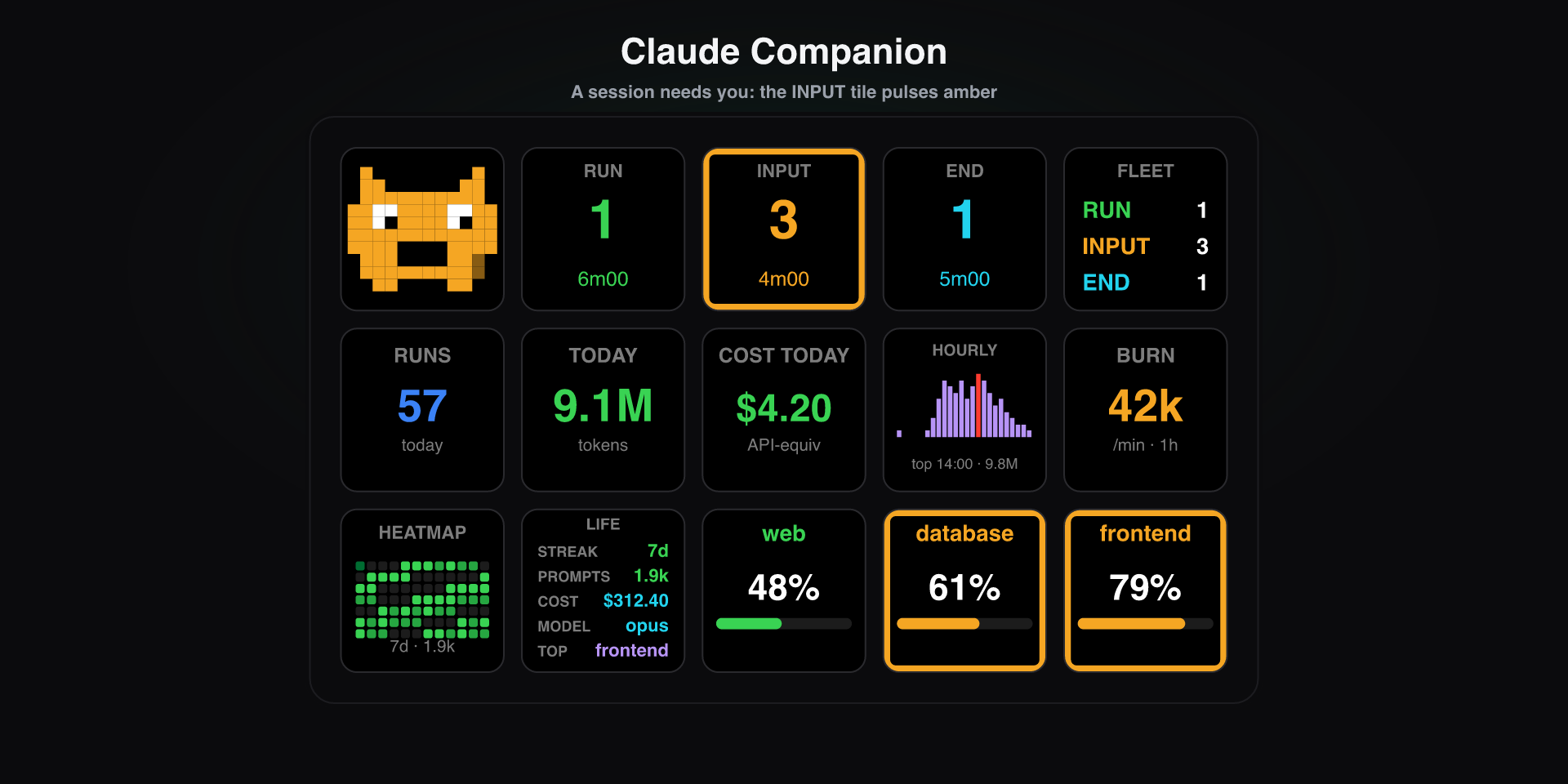
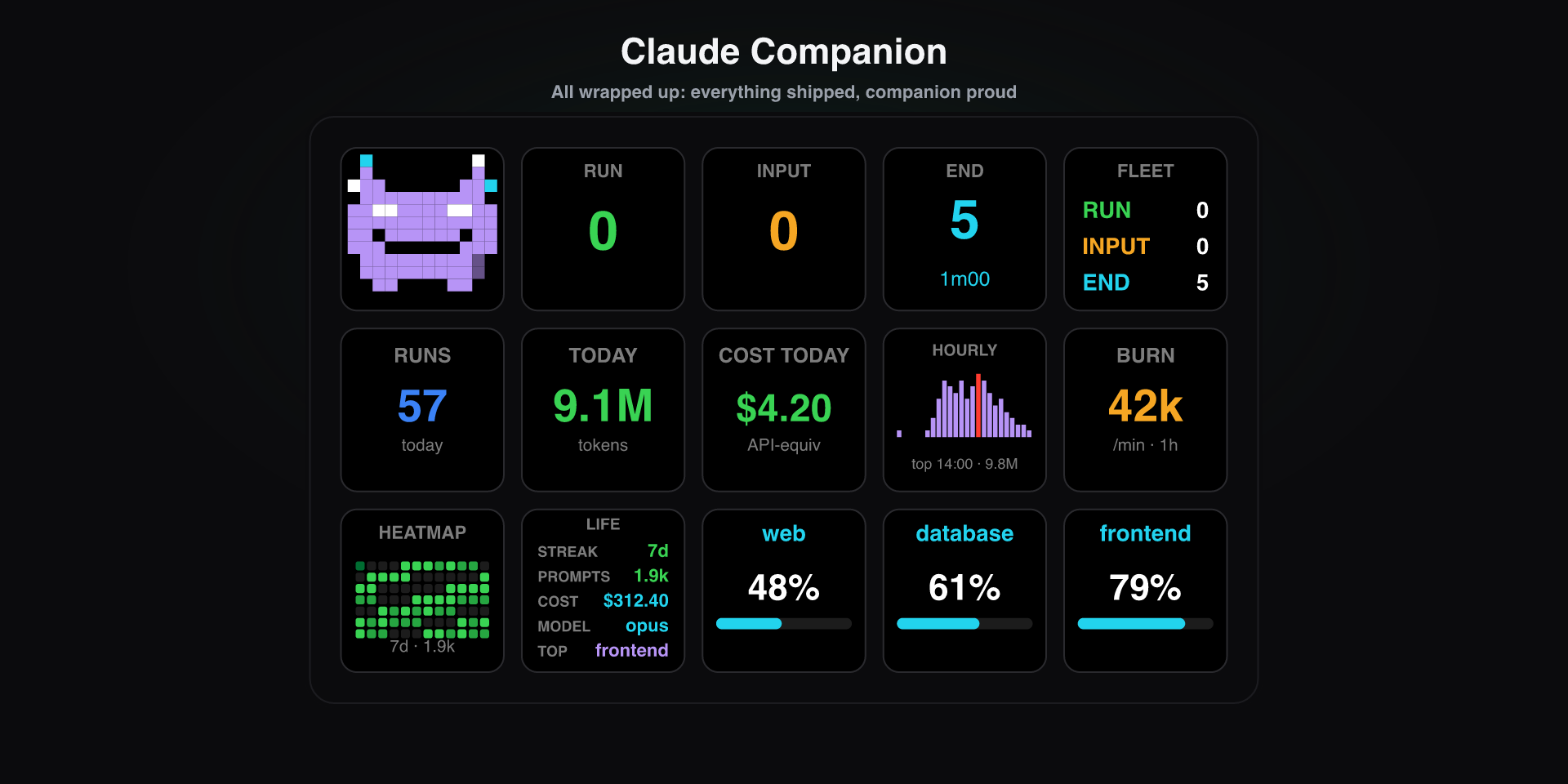
RUN The fleet is running, everything at a glance.
The companion reacts
a session is running
a session needs you
work shipped
all quiet
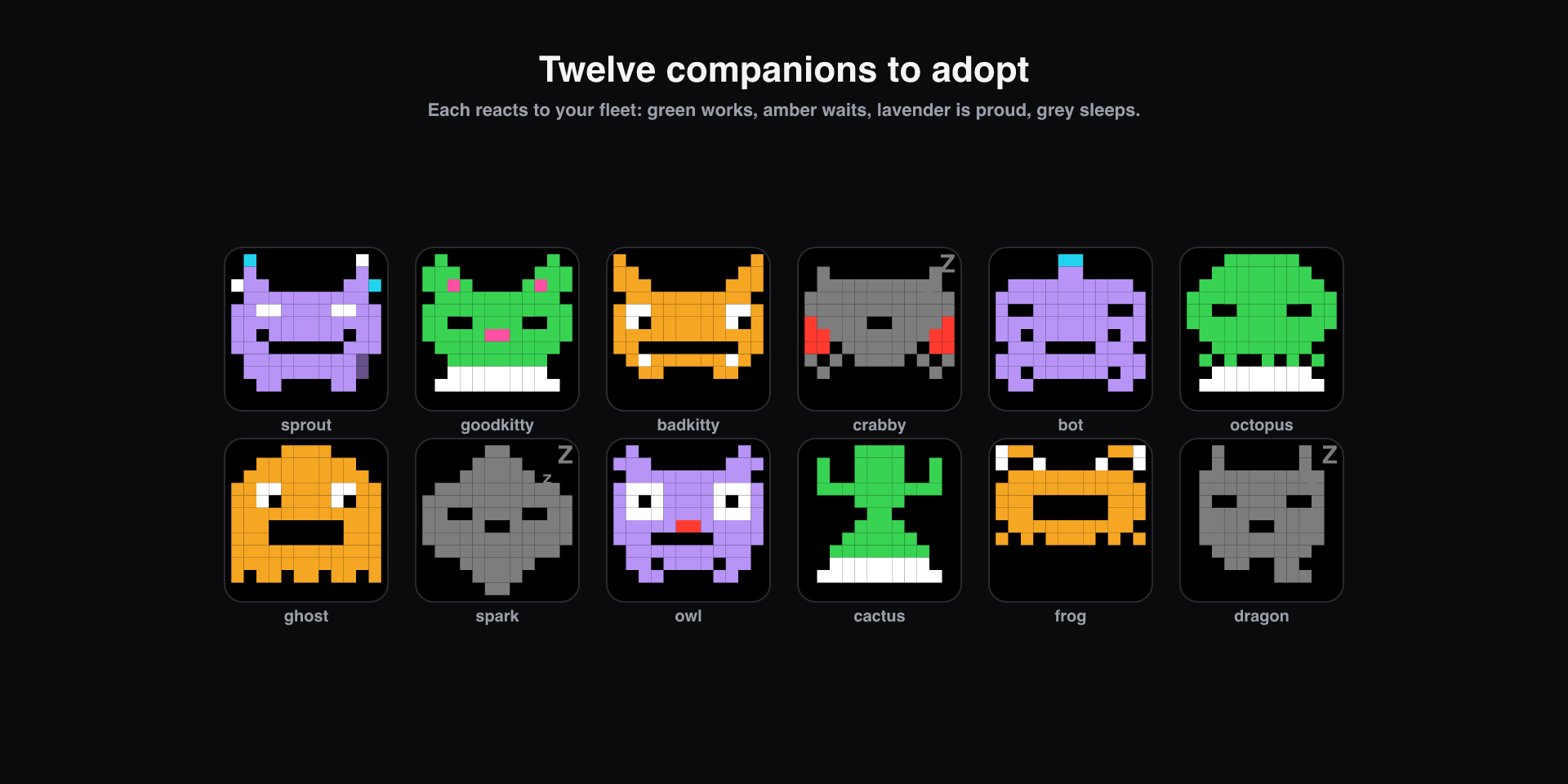
The 13 tiles
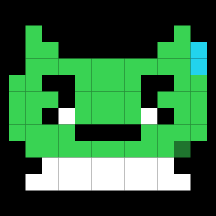
Your reactive pixel familiar, 12 skins.
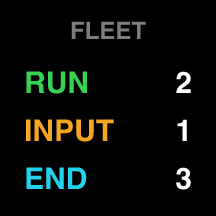
Live counts of every session in one tile: RUN, INPUT, END.
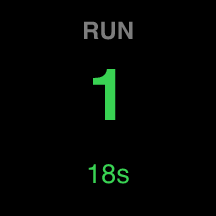
How many sessions are in a given state: RUN, INPUT or END.
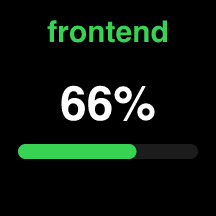
One specific session, its context %, with a ↻ when it is running a /loop.
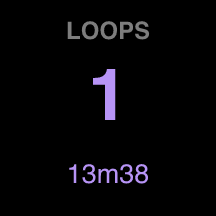
How many sessions are running a /loop, with a countdown to the next run.
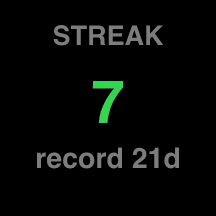
Streak and a 12-week heatmap.
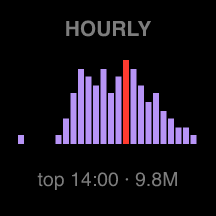
Token usage by hour, your peak.
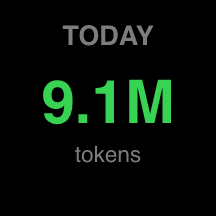
Today, lifetime, or a 24h sparkline.
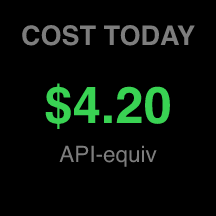
API-equivalent spend, today to lifetime.
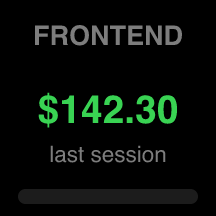
Spend per project and per model.
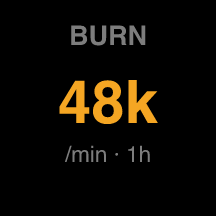
Tokens per minute over the last hour.
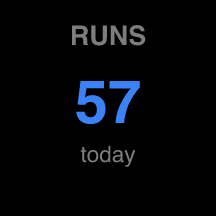
A daily or weekly counter: permission prompts, runs, sub-agents, loops launched or iterations.
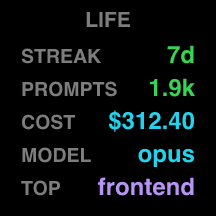
A shareable recap of your stats.
Local-first & privacy
Claude Companion is built to be boringly safe with your data.
- ›Reads your local Claude Code files under ~/.claude, read-only.
- ›Makes no network calls and talks to no API. No account, no key.
- ›Sends no telemetry. Nothing about you is collected, stored remotely, or shared.
- ›Cost figures are an API-rate-equivalent estimate, not a bill, and never leave your machine.
Install
Install the macOS app, or the plugin from the Elgato Marketplace then drag any tile onto a key. Tokens, cost, project cost and activity work right away.
Live sessions: why it needs a hook
Some tiles need to know whether a session is working, waiting, or done: state Claude Code stores nowhere. A small hook captures it.
-
With nothing
Tokens, cost, project cost and activity already work: Claude Code writes the transcripts.
-
What’s missing
Live state (
working,waiting,done) lives in no file. -
The hook
A plugin listens to Claude Code’s events and writes the state to
~/.claude/deck-state, read by the app.
/loop detection needs no setup: the Session tile shows a ↻, the Loops tile counts active loops, and it is read straight from the transcript, still 100% local.
In Claude Code, enabling it installs the hooks automatically:
One command at a time: copy, paste, run, then the next.
- 1
/plugin marketplace add https://github.com/denisvinciguerra/claude-companion-hooks - 2
/plugin install claude-companion@claude-companion - 3
/reload-plugins
FAQ
Do I need a Claude or Anthropic API key? +
No. Claude Companion only reads the files Claude Code already writes on your machine. There is no API call and no key to enter.
Is the cost figure my real bill? +
No. On a flat subscription there is no per-token bill, so the cost tile shows an API-rate-equivalent estimate, labelled as such.
A tile shows a dash or zero. +
There is no local data yet for that metric. The tile fills in as you use Claude Code.
The companion is always asleep, or my Fleet / Session tiles are empty. +
Those live tiles need the optional plugin for Claude Code (see Install). Tokens, cost and activity work without it.
Downloads
The GitHub repo is private for now, opening up soon.